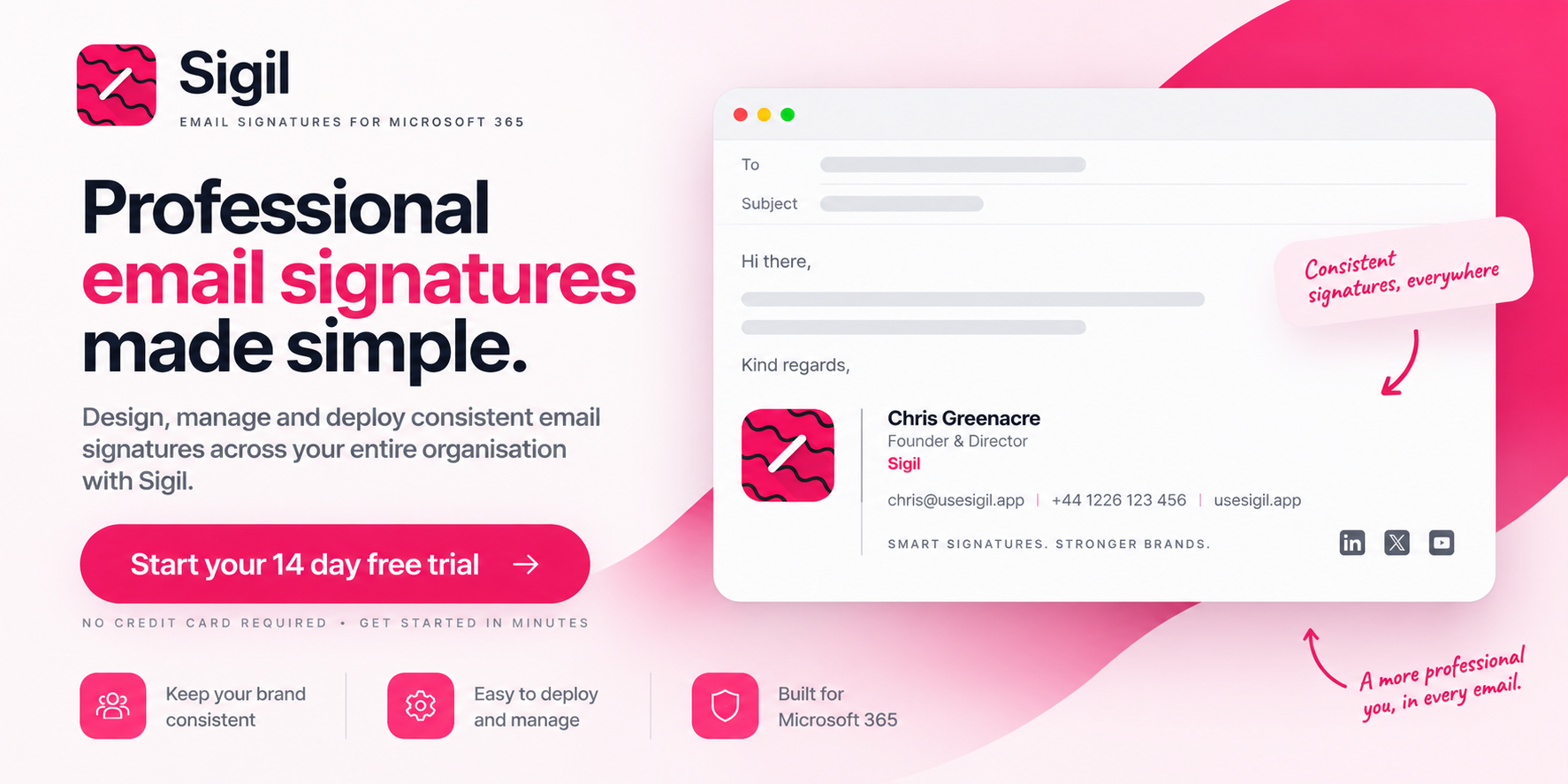
For a while I paid for Exclaimer Cloud to keep email signatures consistent across the Tophhie Cloud Microsoft 365 tenant. It’s a small tenant and the signatures aren’t complicated: name, email address, mobile number, Teams chat link, disclaimer. Exclaimer did the job fine. But every renewal I looked at the invoice, looked at what it was actually doing for me, and thought “I could build this.”
So, I did, and it got a bit out of hand. That side project is now Sigil, a Microsoft 365 signature platform run by Tophhie Cloud Ltd and live at usesigil.app.
How it works
Sigil pulls each person’s details from Microsoft 365, builds their signature from a shared template, and an Outlook add-in inserts it as soon as they start writing an email. It works in Outlook on Windows, Mac, the web and mobile.
What it doesn’t do matters just as much to me. There are no transport rules, and your email isn’t routed through anyone else’s servers. Sigil never reads or stores your email content, and nothing gets redirected or intercepted along the way. I ruled out server-side routing early on. I didn’t want a signature tool sitting in the mail flow of my own tenant, so I wasn’t going to ask anyone else to put one in theirs.
One problem that crept up on me
Once the basics worked, I realised I had no way of knowing whether a signature had actually reached anyone. I’d publish a change and assume it was fine, which is roughly how every signature tool I’d use worked too. The first sign of trouble is usually someone spotting the old logo in a reply chain three weeks later, or a new starter who’s had a blank job title since day one, because nobody looks at their own signature really.
So, Sigil records whether each mailbox has applied its signature, and that data drives two features.
The first is staged rollouts. A new version goes out to 10% of mailboxes, then 25%, then 50%, then everyone, and it only moves to the next step if the apply data looks healthy. If the new version is applying worse than the old one, Sigil rolls it back without anyone having to step in. I haven’t found another signature tool that does this.
The second is a health digest. Admins can get it weekly or monthly or switch it off. It shows coverage, mailboxes that have never applied a signature, apply failures, and gaps in user data such as a missing job title or phone number. I built it for my own tenant first, because without it, I’d have no idea when something was broken.
Other things I added because I needed them
Not everyone needs a signature. You can leave out individual mailboxes or a whole group, shift staff who never email customers for example, and they come off the bill. Shared and resource mailboxes don’t cost anything either.
There’s scheduled publishing and an optional approval step, so marketing can have a rebrand ready weeks ahead and someone signs it off before it goes live. The roles go beyond Admin and Editor too: there’s Marketing, Viewer, Billing, and a Compliance role that can only touch legal footers.
Signatures can include a “save my contact” button that gives the recipient a vCard in one click. And if you script your joiners and leavers, tenant API keys let Sigil slot into the automation you already have.
If you’re an MSP
Sigil has a partner portal for managing multiple clients. Your staff sign in at a partner level, so when a technician leaves you remove them once and their access to every client goes as well, rather than you hunting through tenants. You get one monthly invoice based on the total seats across your clients.
There are two gaps worth knowing off the bat, though. White-labelling isn’t available yet, and there’s no native PSA connector, although there is a daily per-client seat export you can feed into your PSA yourself. If either is a dealbreaker, that’s fair, and I’d rather say so here than have you find out after signing up.
Pricing and trying it
Sigil costs £0.70 per mailbox per month. You can try it free for 14 days without a card at portal.usesigil.app.
Setup is an admin consent in Microsoft 365, then deploying the add-in.
Why am I babbling on
Sigil is self-funded, and so far, I’ve built it myself. I’d rather hear from people who manage Microsoft 365 for a living than pay someone to shout about it. Whether you look after your own tenant or a stack of client ones, if you’ve got opinions on how signatures should work, I’d like to hear them, good or bad.
Everything’s at usesigil.app and you can reach me through support@usesigil.app.


No comments yet