
Most "I self-hosted Ghost" stories are suspiciously smooth. Ten commands, a screenshot of a working dashboard, done. Mine was not that. Mine was a full day of error strings, one genuinely embarrassing wrong turn, and a finish line that kept moving.
So, this isn't a happy-path tutorial. It's the gotcha reel – the stuff the clean guides quietly leave out – for anyone building the same kind of bespoke Ghost stack and wondering why their container won't boot at 1am.
The stack (and why it's weird)
The official Ghost self-hosting story now revolves around their ghost-docker Compose tooling – Ghost, Caddy, MySQL, analytics, all bundled. I deliberately didn't use it, because I already run most of those pieces and wanted Ghost to slot into my infrastructure rather than adopt theirs.
What I ended up with:
- Ghost 6 in Docker, on a Proxmox LXC
- External MySQL 8 – a database server I already run, already backed up offsite
- Cloudflare R2 for image storage, via the S3 storage adapter (no images on local disk)
- Cloudflare Email for transactional email (magic links, invites, etc.)
- Cloudflare Tunnel + a Caddy sidecar for ingress – no public ports, no nginx
- Tinybird Cloud for Ghost 6's native web analytics
Every one of these choices is defensible. Every one of them also cost me an error message. So, let's go.
Part 1 - Building the R2 adapter image: three faceplants
Ghost stores uploaded images on disk by default. To send them to R2 instead, you build a custom image that bundles a storage adapter. Sounds trivial. It's not.
Faceplant one: the wrong base image and the wrong privilege-drop binary. I started from ghost:5-alpine and used su-exec to drop privileges. Two problems: the version was wrong (more on that later), and su-exec is an Alpine binary – the official Debian-based Ghost image ships gosu. Result:
/bin/sh: 1: su-exec: not found
Swap su-exec for gosu and use FROM ghost:6. One-word fixes, but only obvious in hindsight.
Faceplant two: 13 and the danger of 14. My next instinct was to yarn add the adapter from inside Ghost's own version directory. The build succeeded. The boot however, did not:
Error: Cannot find module 'wrap-ansi'
Running a package install inside Ghost's carefully-pinned node_modules made yarn re-resolve the dependency tree and quietly prune a transitive dep Ghost needed to read its own config. Never install packages into Ghost's bundled 18. Install the adapter in isolation instead:
FROM ghost:6

RUN set -eux; \
    mkdir -p "$GHOST_INSTALL/content.orig/adapters/storage"; \
    cd "$GHOST_INSTALL/content.orig/adapters/storage"; \
    npm install ghost-storage-adapter-s3; \
    mv node_modules/ghost-storage-adapter-s3 s3; \
    chown -R node:node "$GHOST_INSTALL/content.orig/adapters"
Faceplant three (the sneaky one): the volume shadow. Notice that install path – content.orig, not content. Here's why it matters: Ghost's content directory is a mounted volume. If you bake the adapter into content/adapters/..., the volume mounts over it at runtime and your adapter vanishes. The official image seeds an empty content volume from content.orig on first boot – so staging the adapter there means it rides into the volume through the seeding rather than getting clobbered by it.
The tell that the adapter loaded correctly, by the way, is a scary-looking but harmless line on boot:
NOTE: The AWS SDK for JavaScript (v2) has reached end-of-support.
That's not an error – it's proof the S3 adapter initialised. Ghost only pulls in the AWS SDK when the adapter loads.
Part 2 - The migration that lied to me
With the box running, I exported from Ghost(PRO) and ran the Universal Import. The import returned 200 OK and I was informed I'd receive an email once the import had completed. Brilliant. Except that took all of a couple of minutes. The database showed 3 posts. My export had 2,308.
The import didn't fail loudly – it failed silently and successfully, which is so much worse.
The culprit: major version mismatch. Ghost(PRO) has moved to v6; I'd built my container on v5. Importing a v6 export into a v5 instance is unsupported – the v5 importer hit post after post in a format it didn't understand, skipped ~2,305 of them, salvaged the 3 it could parse, and still returned success, because Ghost's importer logs per-row failures but resolves the whole request 200.
The fix is just "match the major version" (rebuild on ghost:6, fresh DB, re-import) – but the lesson is sharper: never trust the import UI. Trust the row counts.
SELECT type, status, COUNT(*) FROM posts GROUP BY type, status;That one query would've caught it instantly. I learned to run it after every data operation for the rest of the day.
Part 3 – Ingress: a redirect loop and a phantom directory
I front Ghost with a Cloudflare Tunnel and a Caddy sidebar (Caddy does the routing; the tunnel does the ingress). Two traps here.
The redirect loop. Ghost force-redirects any request whose host/protocol doesn't match its canonical url. By default, Caddy's reverse proxy doesn't pass the original Host and X-Forwarded-Proto – so Ghost sees a mismatched internal request, says "go to the canonical URL", the browser retries, same verdict, forever. ERR_TOO_MANY_REDIRECTS. The fix is telling Ghost the truth about the original request:
reverse_proxy ghost:2368 {
    header_up Host {host}
    header_up X-Forwarded-Proto https
}
The phantom Caddyfile. I ran docker compose up before the Caddyfile existed on disk (my mistake really). Docker, being "helpful", created the missing bind-bound as an empty directory – then refused to mount a directory onto the container's file path:
error mounting "/opt/ghost/Caddyfile" to rootfs ... not a directory
The fix is to delete the phantom dir and write the actual file before Docker goes looking for it.
Part 4 – Analytics: Tinybird, and a comedy of workspace errors
Ghost 6's native web analytics runs on Tinybird, and self-hosters have to bring their own. The data flows: browser > a traffic-analytics proxy > Tinybird > Ghost admin reads it back. On a bespoke stack (no ghost-docker), you wire all of that by hand.
The single hardest part for a tunnel-based setup: the front-end posts analytics events to /.ghost/analytics/..., and that path must reach the proxy with the prefix stripped. cloudflared can path-match but not path-rewrite, so a small Caddy block does the surgery:
handle_path /.ghost/analytics/* {
    reverse_proxy traffic-analytics:3000
}
handle {
    reverse_proxy ghost:2368 { header_up Host {host} }
}
handle_path strips the matched prefix automatically – that's the whole trick.
Then I collected a small museum of self-inflicted Tinybird errors:
- A stale 39 auth file left
tbpointed at a throwaway local instance, so--cloudcommands were quietly talking to the wrong workspace. (Tell: the API URL was an internal IP, not*.tinybird.co.) - A duplicated schema folder – a stray nested copy of the datafiles – made by
tb deployreport "No changes to be deployed" and then "Deployment failed" in the same breath, because every resource was declared twice. - A token/workspace mismatch – the proxy authenticating into a workspace where the schema didn't exist – gave
Datasource analytics_events not found.
None of these are hard once you see them. All of them eat an hour if you don't read the error literally.
Part 5 – The red herring (a debugging-methodology story)
This one's worth telling because I was confidently wrong, and the way I was wrong is instructive.
Events were reaching the proxy but dying on the final hop to Tinybird with:
Client network socket disconnected before secure TLS connection was established (ECONNRESET)
I built a clean theory: MTU fragmentation. Docker-in-LXC, on a VLAN, behind a tunnel – three layers that can each shave MTU. The TLS ClientHello goes out, the big ServerHello response gets dropped, the handshake dies. Textbook. I ruled out the easy suspects first – Cloudflare Gateway wasn't even in the path (warp=off), IPv6 was a dead end – which left MTU looking like the obvious villain. I was reaching for daemon.json to clamp it.
Then I ran the test that could prove me wrong, before acting on my theory:
ping -4 -M do -s 1400 -c 2 api.europe-west2.tinybird.co
A 1428-byte don't-fragment packet went there and came back. MTU was fine.My theory was dead, and I'd nearly edited daemon.json for nothing.
So, I stopped theorising and actually re-read my own config – and there it was: the proxy's PROXY_TARGET was pointing at a mistyped Tinybird endpoint. One wrong value. I corrected it, restarted the proxy, and events flowed immediately.
The lesson is quite humbling: I architected a three-layer network theory – Gateway, IPv6, MTU – to explain one wrong string in an environment variable. And the signature had been telling me the whole time. ECONNRESET is an active reset, not a silent drop; MTU black-holes time out, they don't send an RST. "Reset" meant something was actively refusing me – I was knocking on the wrong door – not that the network was eating my packets. Read the error signature literally and check your own config before architecting a diagnosis. The fanciest theory is rarely the bug.
Part 6 – Email: one wall you can't config your way around
Ghost splits email into two completely separate systems:
- Transactional (magic links, staff invites, password resets, etc.) – standard SMTP, any provider. I used Cloudflare Email, which now offers authenticated SMTP. Clean.
- Bulk newsletters – hardcoded to the Mailgun API. Not SMTP. You cannot substitute Cloudflare, SES, or anything else for the newsletter send path.
If you self-host Ghost and want to send newsletters, it's Mailgun. There's no config flag around it. I framed this site as a website rather than a newsletter, so transactional was really all I needed (I set up Mailgun anyway) – but know this wall is there before you plan around it.
What I'd tell past-me
- Match the major version before you import anything. The silent partial import is the most expensive mistake here.
- Check row counts, not UIs. Importers and browsers both lie.
- Write config files before 52. Or enjoy phantom directories.
- Read error signatures literally. A reset is not a timeout. Test theories that could disprove you.
Would I do it all again? Yes, absolutely. Self-hosting Ghost on infrastructure I already run, with R2 storage and analytics I control, is exactly what I wanted – and the bespoke parts that caused the most pain are also the parts that make it mine. But it was a full day of debugging, not the twenty-minute setup the marketing implies. Go in with that expectation and a terminal you trust.
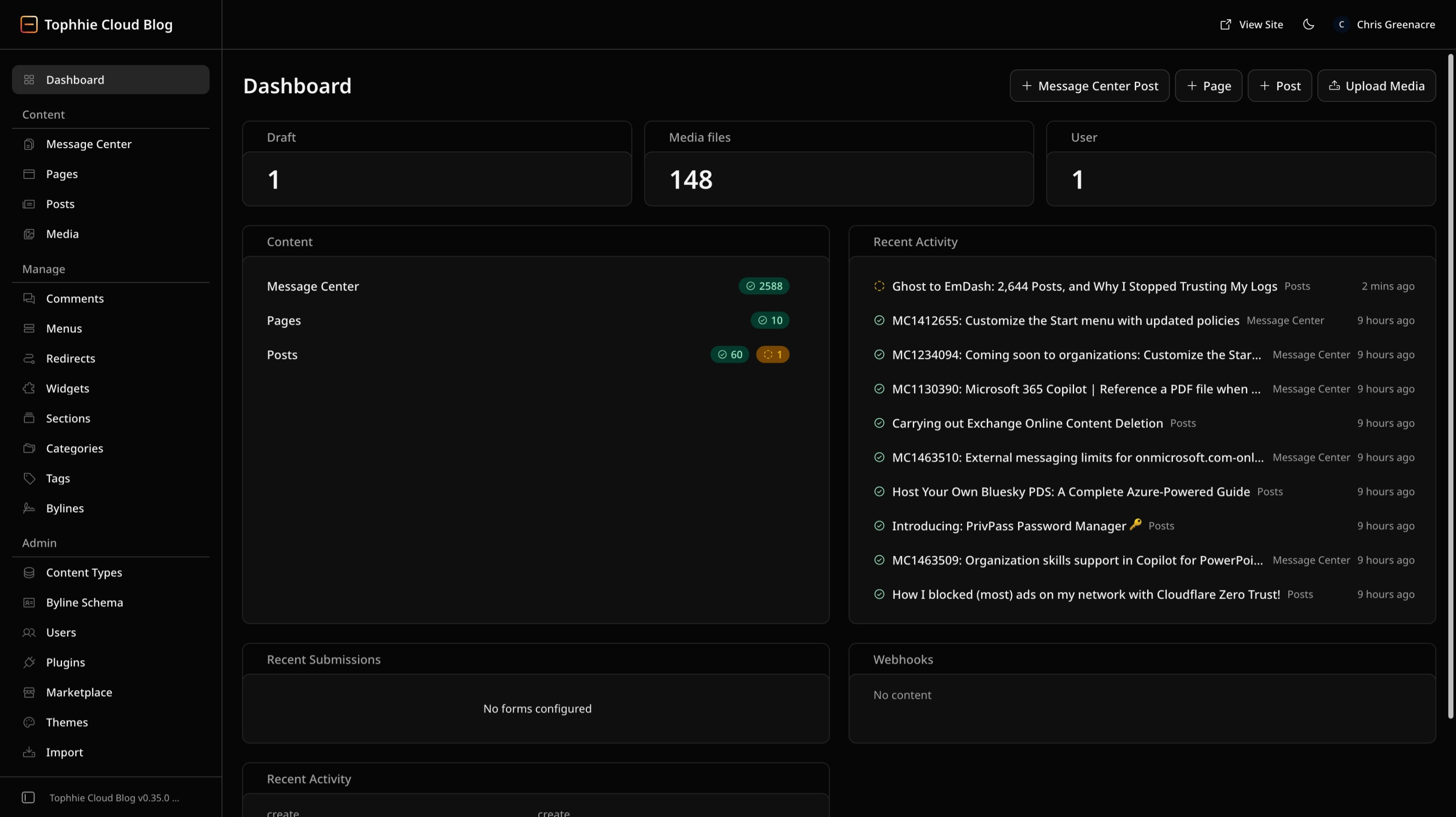
This post is, of course, served by the very stack it describes.

No comments yet